Multi-agent production system illustration with host and cloud elements

Twenty-plus containers and agent-operated ops

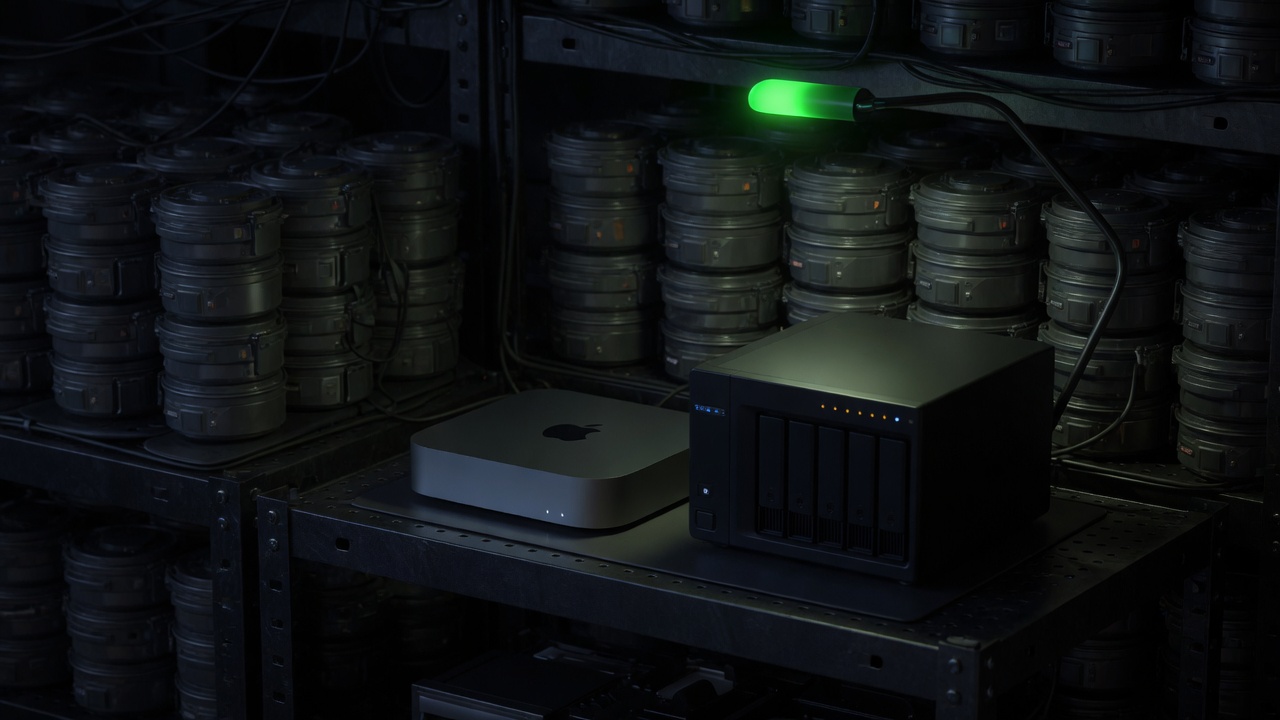
This is part 3 of the Agent production system series. Previous: Human approval. Constellation nodes: Docker host, Azure / ADO, Dashboards. Agents need somewhere to live. Chat UIs hide that fact. Production does not. I operate a Dockerized homelab with 20+ production containers split across two physical hosts — a Mac Mini M4 running the compute-heavy services under OrbStack, and a Synology NAS handling bulk storage, VPN-gated download automation, and the public-facing reverse proxy. That number is on the About page for a reason: it is a real ops footprint, not a laptop demo. ...

August 4, 2026 Â· Dave Voyles
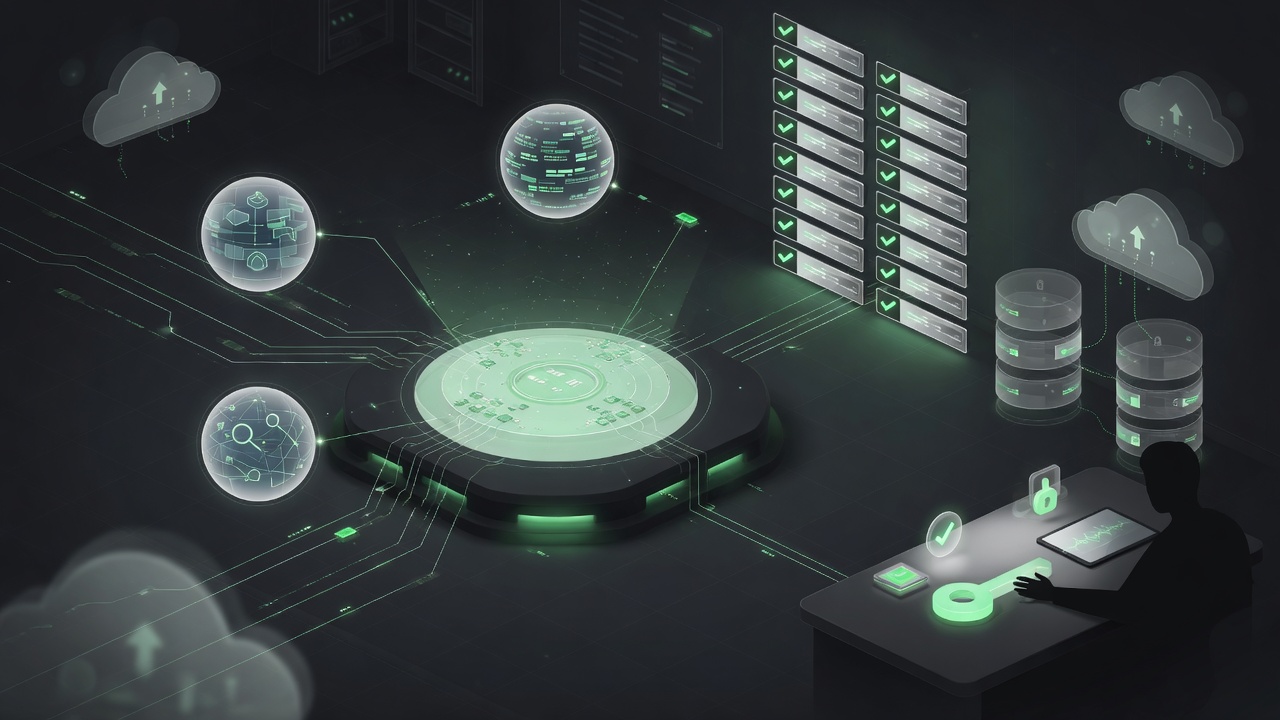
Illustration of a multi-agent production system: central orchestrator hub, agent nodes, eval checks, cloud hosts, and a human approval station

How I run an agent production system

Most “AI agent” demos stop at a chat box. What I care about is the opposite: a production system with routing, tools, gates, hosts, and a human who still owns irreversible decisions. This post is the written version of the interactive map on my About page — how the fleet is wired, what each layer is for, and what I refuse to automate. The mental model Think factory floor, not chatbot: ...

July 24, 2026 Â· Dave Voyles

Tutorials: Creating your first website with Azure

My Tech Evangelist colleagues, Joe Raio and Brian Sherwin, have create a great set of video tutorials on how to create your own website using Azure. This is part of Microsoft’s Choose to Code campaign, which guides your middle and high school students through a series of online tutorials walking them through the process of creating and publishing their own website. If you are using Azure Passes, watch this video If you are using DreamSpark, start with this video Course Setup and Azure Activation Building your very first web page with HTML using Visual Studio Online! Let’s learn how to add some style to your page with CSS Make your website mobile friendly using Bootstrap Making your website interactive using JavaScript Learn how to use jQuery to send and receive data Still need Azure? Reach out to me to inquire about BizSpark

December 14, 2015 Â· Dave Voyles

BizSpark: Free software and cloud services for your startup

Jennifer Marsman wrote a great post on her MSDN blog about the benefits of BizSpark and how to get started with the program. This step-by-step tutorial can help get you enrolled as well. Perks of the program: http://wootstudio.ca/startups/bizspark.aspx Windows 10 developer accounts (Xbox, Windows) Visual Studio Ultimate licenses Windows licenses (multiple versions) Office 365 developer account $150 / month Azure credits (for each dev on your team, up to 5 total, $750 value) Website hosting, virtual machines, databases, & mobile services Visual Studio Online (Formerly TFS) 90 Days of pluralsight + DigitalTutors training Free marketing support with Microsoft Who qualifies? Actively engaged in development of a software-based app, product, or service that will form a core piece of your current or intended business. (NOTE: you must be building a product! Startups providing consulting services are not eligible.) Your company is privately held, and in business for less than 5 years. Makes less than US $1 million in annual revenue Whether you are a student, startup, or an indie game developer, Microsoft views you as a welcome addition to our startup program. ...

August 17, 2014 Â· Dave Voyles